CAE Learning
Computer-Aided Engineering
Build confidence in simulation-led design through practical learning in ANSYS, ANSA, and HyperMesh.
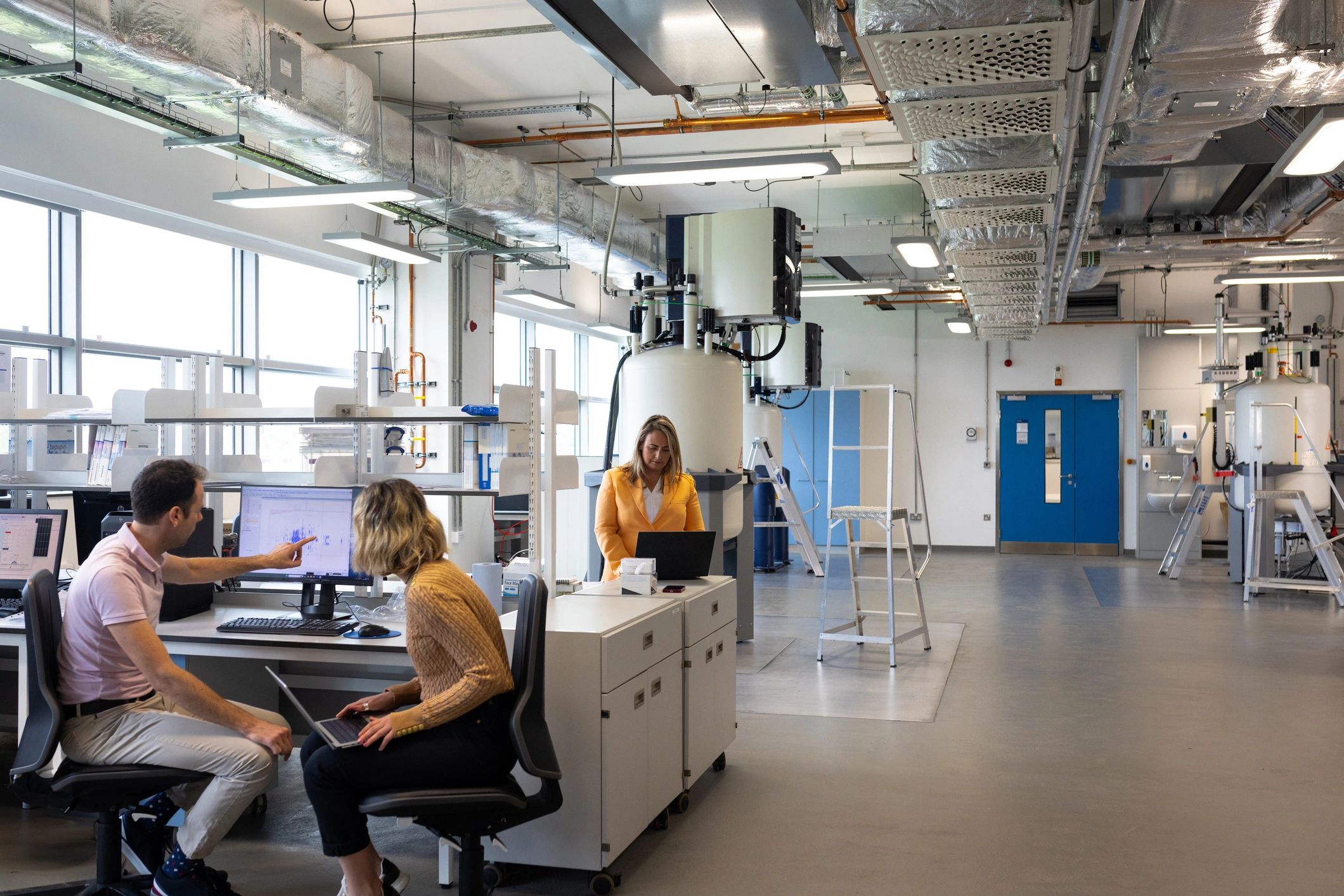
Software Pathways
Learn CAE Tools
Explore the core platforms that help students model, validate, and improve mechanical designs before they are built.
ANSYS
Develop simulation skills for structural, thermal, and fluid-flow engineering problems.
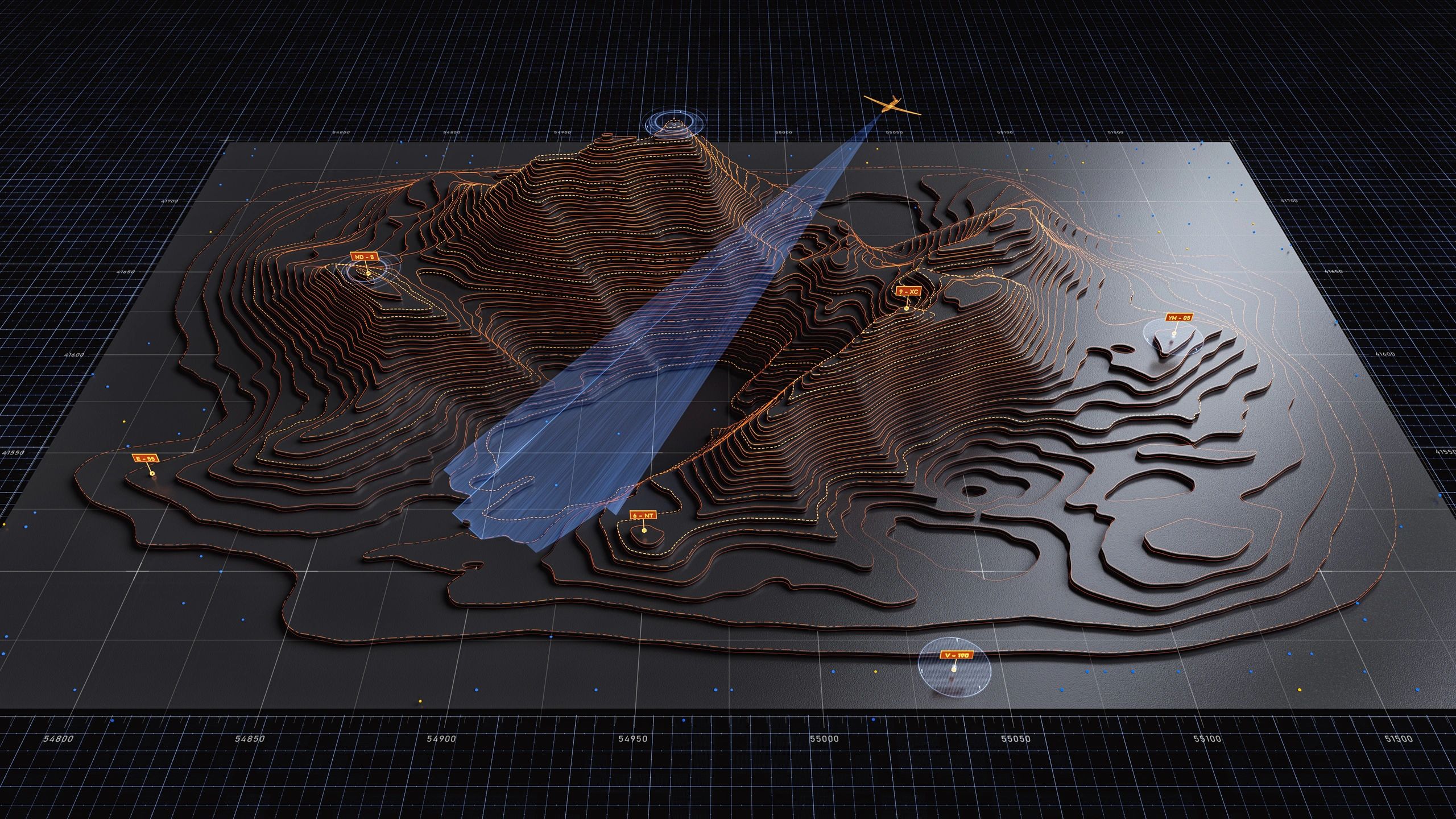
ANSA
Prepare robust simulation models with efficient geometry cleanup and meshing workflows.
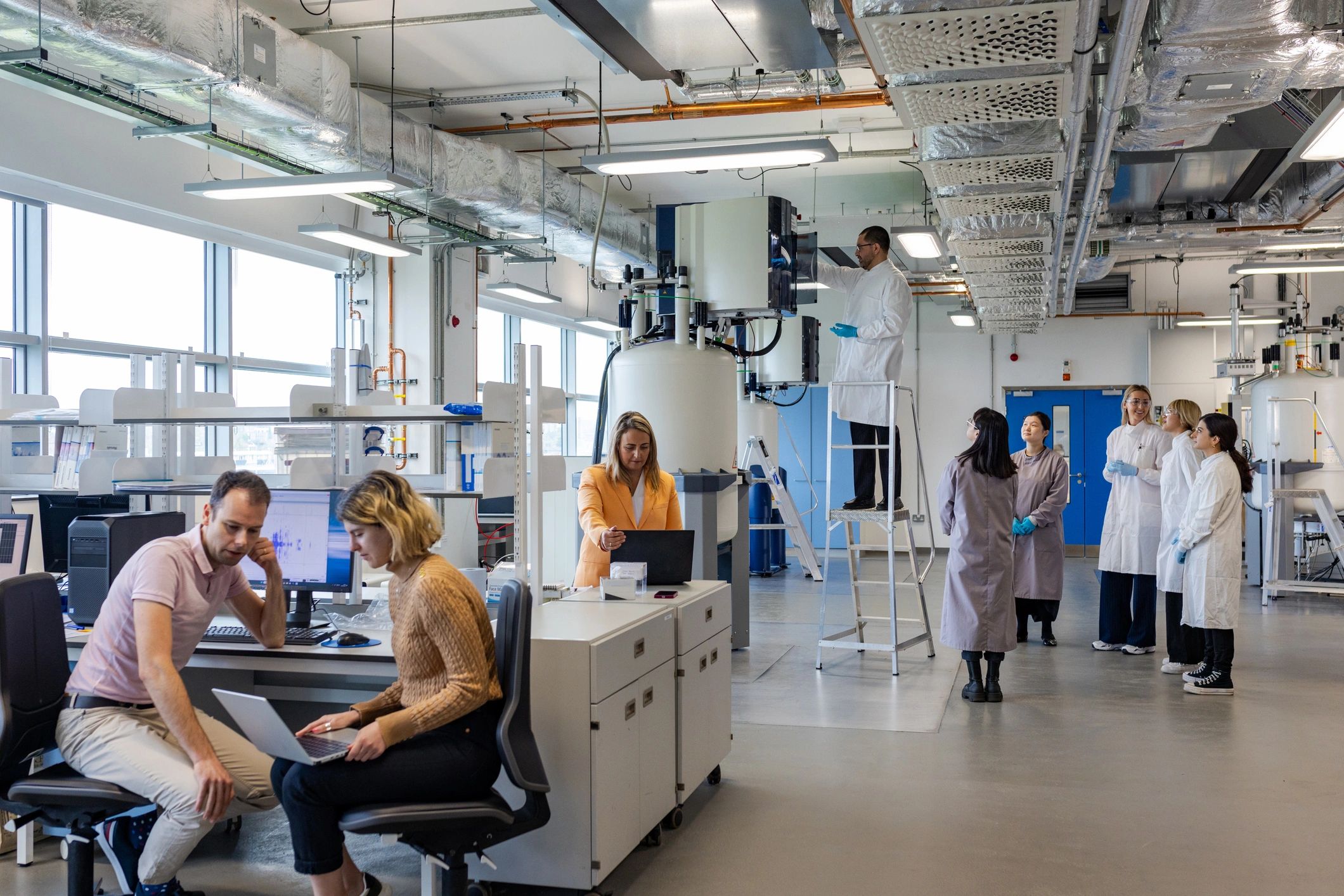
HyperMesh
Create high-quality finite element models for analysis-driven product development.
From Model to Insight
Our CAE learning path connects software practice with the engineering decisions that shape better designs.
01
Build the Model
Start with clean geometry, material data, and realistic boundary conditions.
02
Run the Analysis
Use structured workflows to study performance under real engineering loads.
Simulation turns design ideas into evidence-based engineering decisions.
03
Interpret Results
Read contours, plots, and reports to identify risks and improvement opportunities.
04
Refine the Design
Apply insights to improve safety, efficiency, and manufacturability.